


⚠️ Compatibility: SolarFlow 2400 Pro / SolarFlow 2400 AC+ only


Only compatible with the SolarFlow 2400 AC.


Only compatible with the SolarFlow 1600 AC+ / Solar Flow Hyper 2000 / SolarFlow Hub 2000 / SolarFlow 800 / ACE 1500.


Folding and Height-Adjustable Transport Trolley, 90 kg Load Capacity, 45° Stable Parking, for
SolarFlow Mix Series


⚠️ Compatibility: SolarFlow 2400 Pro / SolarFlow 2400 AC+ only

Only compatible with the SolarFlow 2400 AC.

Only compatible with the SolarFlow 1600 AC+ / Solar Flow Hyper 2000 / SolarFlow Hub 2000 / SolarFlow 800 / ACE 1500.

Folding and Height-Adjustable Transport Trolley, 90 kg Load Capacity, 45° Stable Parking, for
SolarFlow Mix Series
Installation Guide


PowerHub
Power everything. Depend on nothing.
Buy 2 SolarFlow 4000 Mix Series units and redeem a FREE PowerHub via the Zendure App.
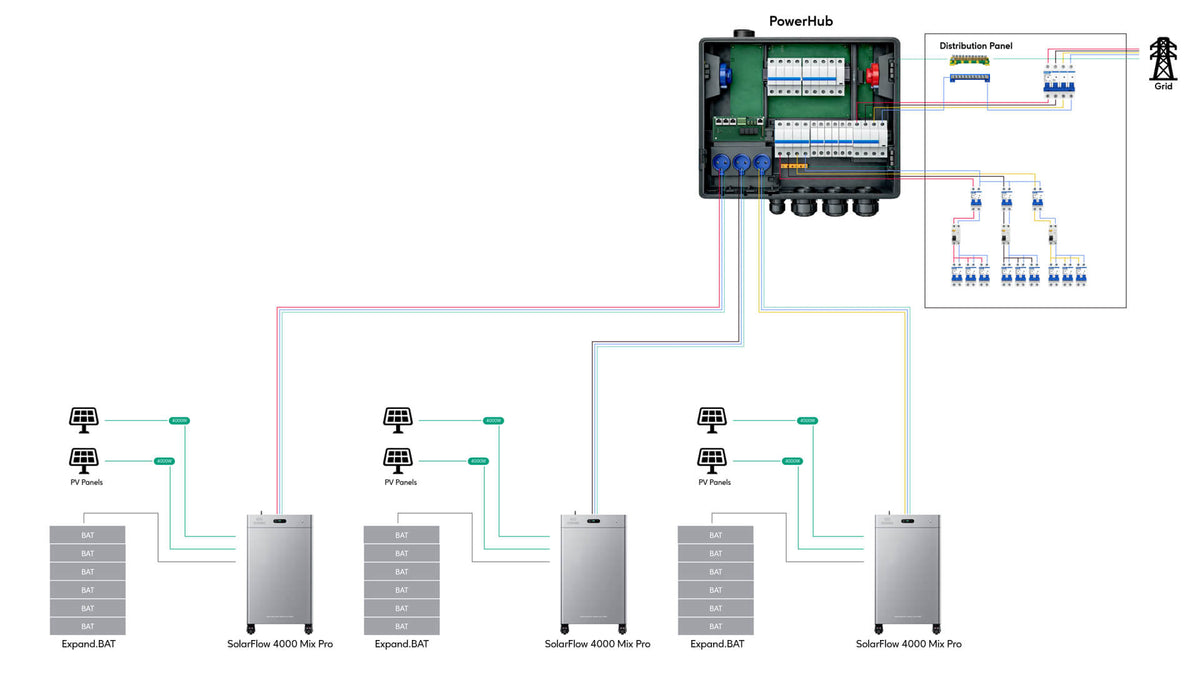
PowerHub is not a battery or an accessory for one device. It is the central hub that connects solar, storage, EV charging, heat pumps, smart devices and home circuits. As homes add more energy devices, separate connections create complex wiring, repeated installation work and limited coordination. PowerHub brings them into one system, helping the home move from simply using the grid to managing its own energy. Power everything. Depend on nothing.
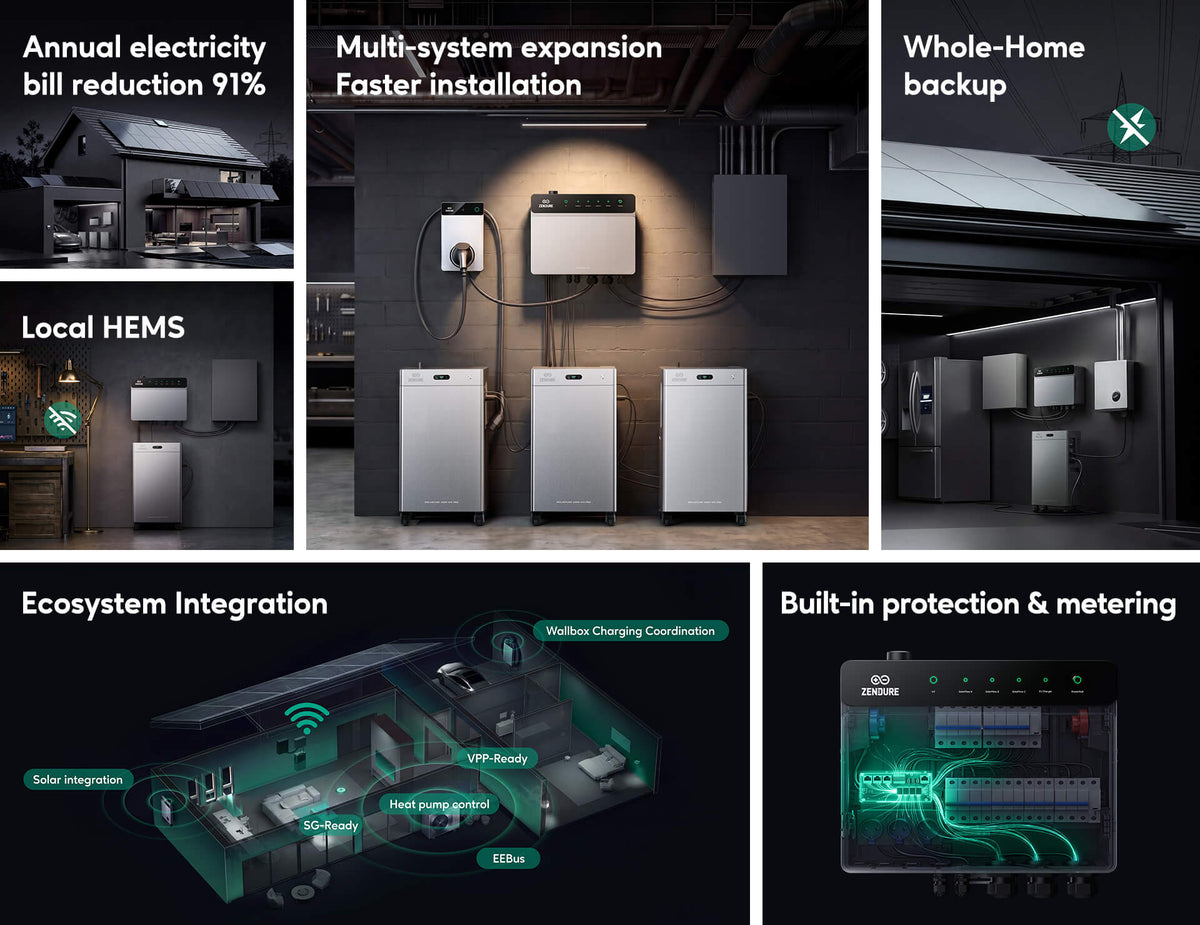

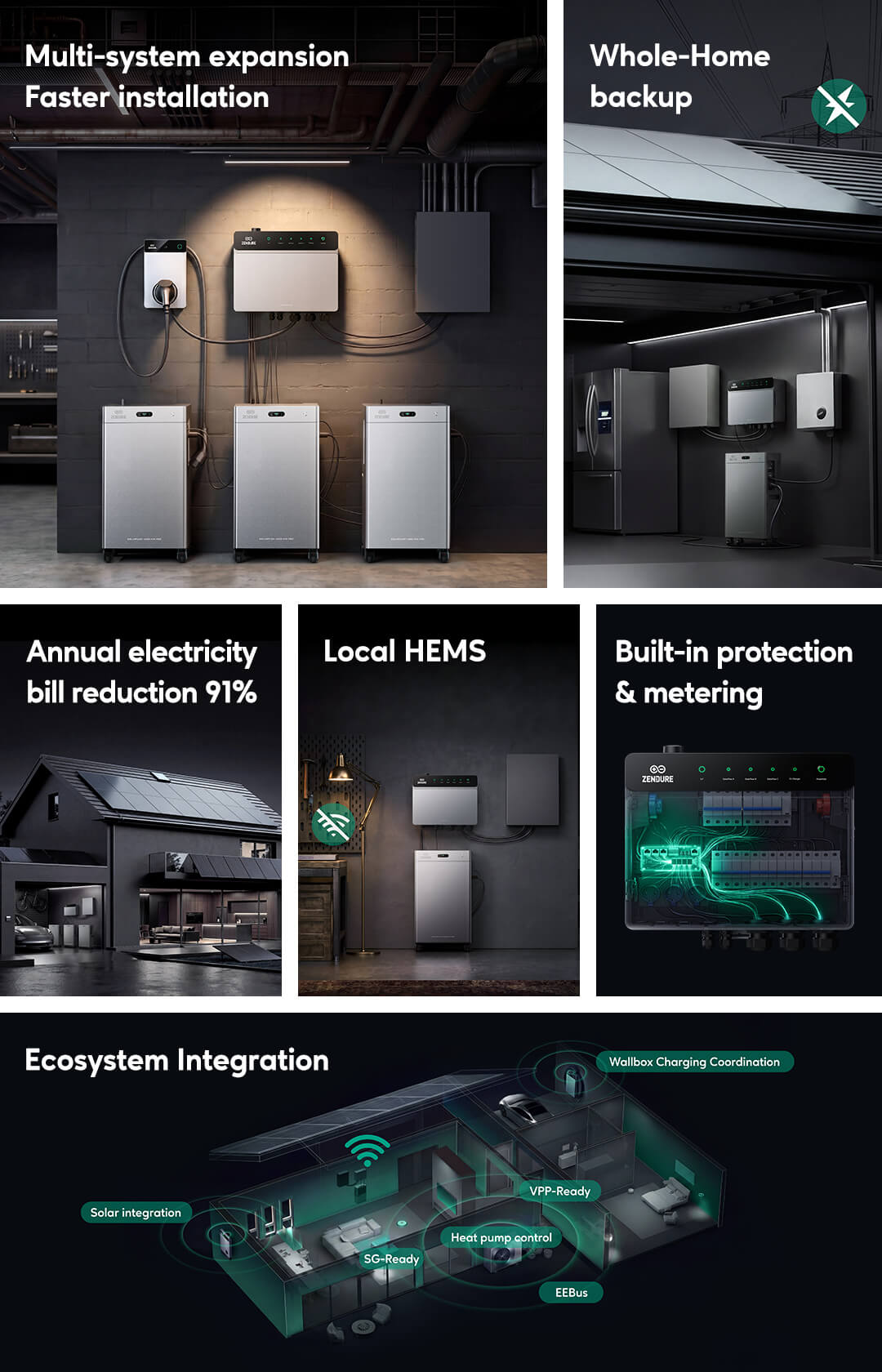

Expand from Plug-in to Whole-Home with PowerHub
Whether you already own a storage system or are planning a larger home energy setup, PowerHub acts as the expansion hub that unlocks higher power, larger capacity and stronger solar integration.
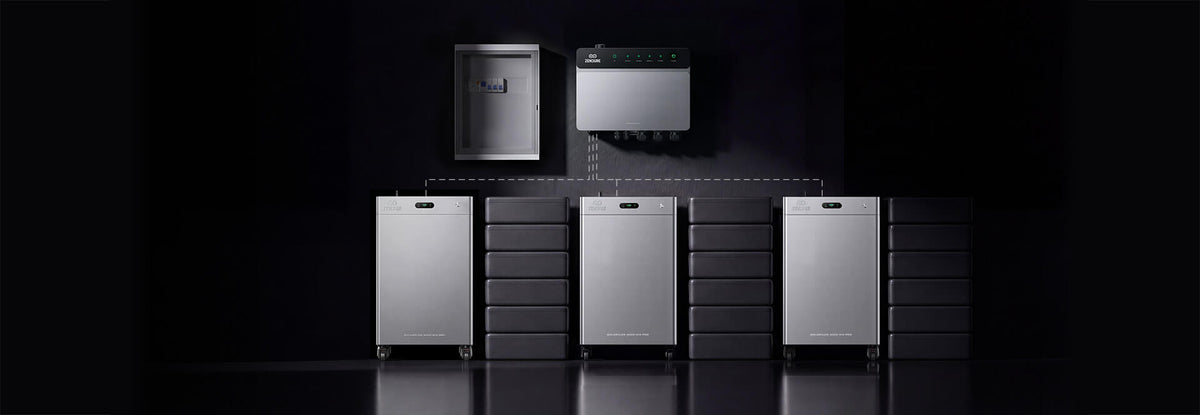

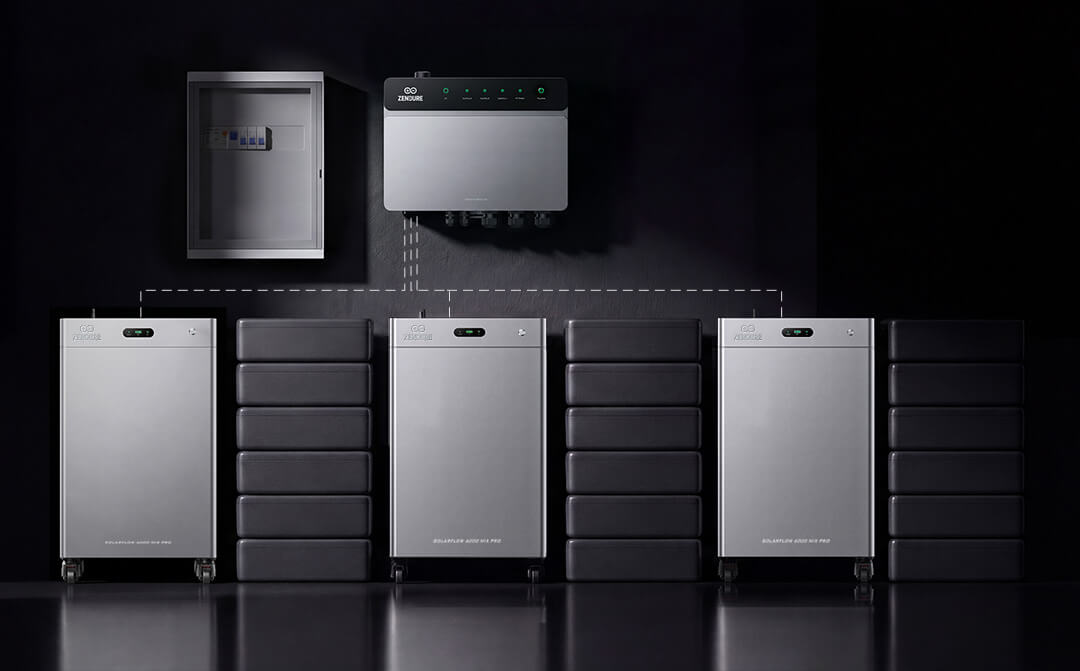

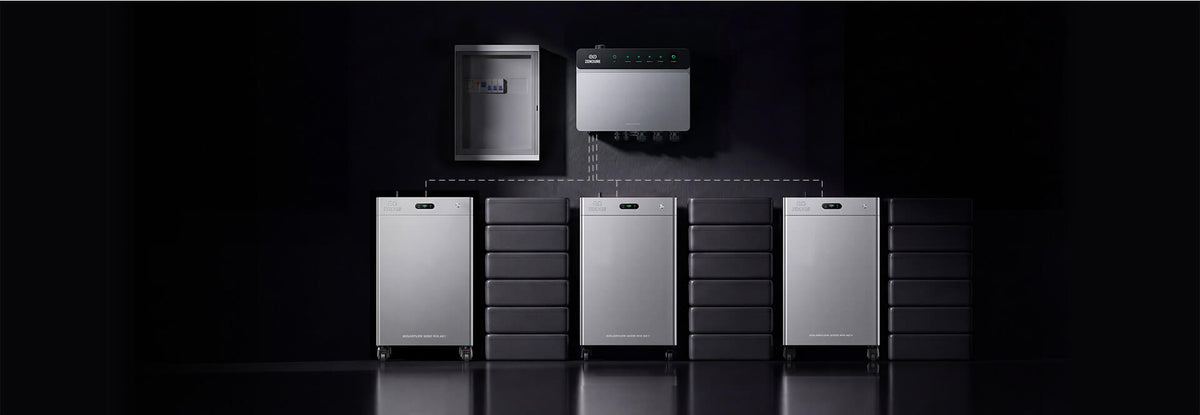

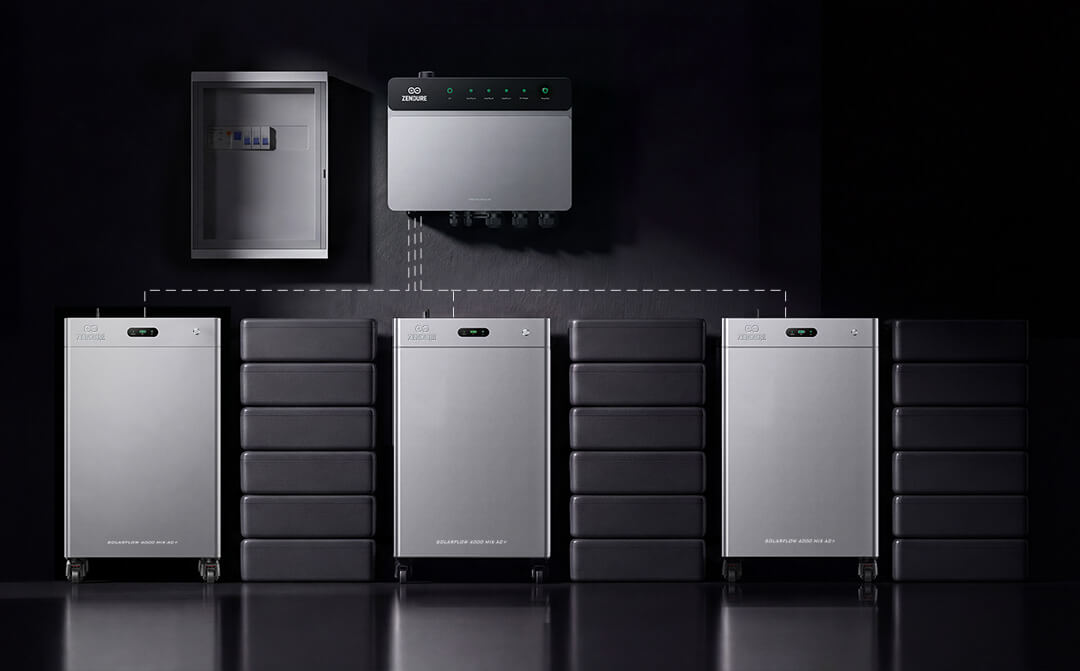

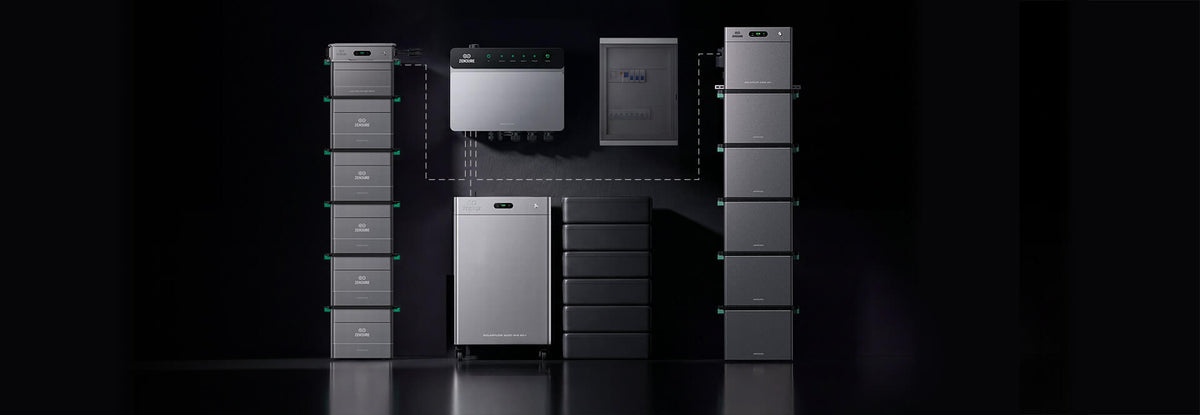

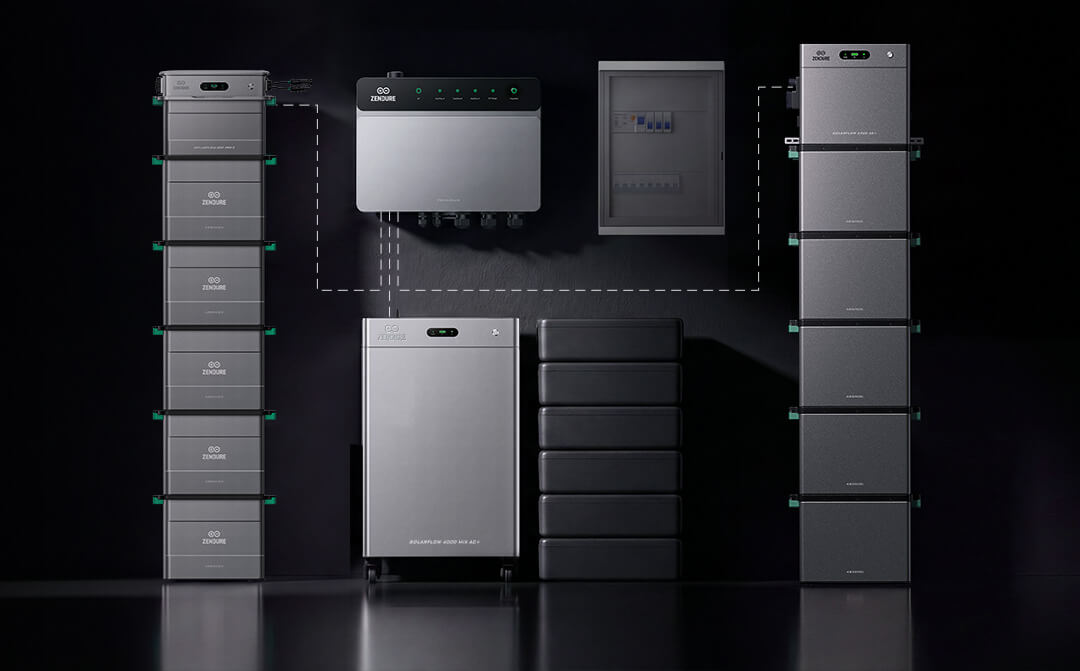

Plan Once. Expand More Easily
PowerHub provides one central connection point, reducing repeated wiring and future installation work in multi-device systems. Whether adding storage, PV inverters, EV chargers or heat pumps, everything can be planned around the same hub.

Open Connection. Local Control. Reliable Even with Weak Networks.
PowerHub does more than connect devices — it helps expanded systems work together. It integrates solar, storage, EV charging, SG Ready heat pumps, CT metering, the App, cloud services and future VPP / smart home ecosystems, while local HEMS monitors and coordinates energy within the home network. Even when the internet connection is unstable, the system can continue core operation based on home loads, storage status and preset strategies, so whole-home energy management does not rely entirely on the cloud.
Whole-Home Backup with Solar Black Start


FAQ
PowerHub is a home energy management hub that connects your utility grid, Zendure energy storage systems, EV charger, and other household devices. It continuously monitors and intelligently manages energy flow throughout your home. In the event of a grid outage, PowerHub automatically switches to backup mode to ensure uninterrupted power for critical household loads.
SolarFlow 4000 Mix Pro/AC+ can operate independently and meets your daily energy storage needs.
If you plan to further expand your home energy system—for example, by adding multiple Zendure energy storage systems, rooftop solar, EV charger, or heat pump, while enabling whole-home energy management and backup power—PowerHub is recommended to provide more efficient energy coordination and intelligent energy management.
PowerHub 1P is designed for single-phase homes.
· Backup scenario: Requires at least one SolarFlow Mix Series to provide whole-home backup or partial-home backup
· Non-backup scenario: Supports up to three HEMS-compatible devices (such as Hyper 2000, SolarFlow 2400 Pro/AC+, etc.) for home energy management and intelligent energy management.
PowerHub 3P is designed for three-phase homes.
· Backup scenario: Requires three SolarFlow Mix Series to provide whole-home backup
· Non-backup scenario: Supports up to three HEMS-compatible devices (such as Hyper 2000, SolarFlow 2400 Pro/AC+, etc.) for home energy management and intelligent energy management.
Before installation, consult a licensed electrician to determine the most suitable system configuration based on your home electrical system, load requirements, and installation design.
PowerHub installation involves electrical wiring in a high-voltage environment. To ensure the safety of personnel and device, it must be carried out by a licensed electrician in accordance with local electrical regulations, grid requirements, and installation standards.
Self-installation or improper installation may result in electric shock, device damage, or fire hazards, and may affect the product warranty.
PowerHub is rated IP54 and is intended for indoor installation. Install the device in a dry, well-ventilated indoor location, and avoid direct sunlight, rain, flooding, and environments with excessive dust or sand to ensure safe and reliable operation.
The available backup configuration depends on your PowerHub model, home electrical system, load requirements, and installation design.
PowerHub 1P supports whole-home or partial-home backup for single-phase homes, while PowerHub 3P supports whole-home backup for three-phase homes.
Whole-home backup: PowerHub is installed on the main circuit of the home electrical system and can directly monitor the power of the entire household, so no additional smart meter is required
Partial-home backup: PowerHub can only monitor the power of the backup circuits. An additional smart meter is required to monitor the power of the entire household
PowerHub is compatible with the following two categories of Zendure energy storage systems:
· SolarFlow Mix Series
· Other HEMS-compatible devices, such as Hyper 2000 and SolarFlow 2400 Pro/AC+, etc.
PowerHub supports two connection methods:
· Plug & Play: Quick plug-in connection for easier installation
· Hardwired connection: Fixed wiring that enables higher system power
To use the off-grid backup function:
· PowerHub 1P: Requires at least one SolarFlow Mix Series
· PowerHub 3P: Requires three SolarFlow Mix Series
PowerHub supports both Wi-Fi and Ethernet connections. Once connected, you can use the Zendure App to manage your devices, remotely control the system, monitor its status, and perform software updates.
Under normal conditions, it is recommended to keep PowerHub connected to the Internet to access the full range of cloud services, including weather data, dynamic electricity pricing, third-party platform integration, remote monitoring, and software updates. If the Internet connection is lost, PowerHub can continue performing local energy management and device control. However, features that rely on cloud services or third-party data will be affected.
PowerHub supports two offline operation scenarios:
· Passive offline: PowerHub enters offline operation when the Internet connection is unexpectedly interrupted
· Active offline: The user manually enables offline operation
When connected to the Internet, PowerHub processes household energy data locally and automatically coordinates compatible devices based on current operating conditions to optimize energy usage.
The cloud mainly provides external data and supporting services, including AI algorithms, weather data, dynamic electricity prices, historical data aggregation, remote monitoring, and software updates. It supports energy management but does not directly participate in PowerHub’s real-time energy dispatch.
Before enabling offline local operation, make sure the following requirements are met:
1) A home HEMS system has been created
2) PowerHub has been successfully added to the home HEMS system
3) All relevant devices in the system have been upgraded to firmware versions that support offline local operation. If not, the Zendure App will prompt you to update the firmware first
Data generated during offline operation is temporarily stored locally on PowerHub. Once cloud operation is restored, PowerHub automatically uploads the locally cached data to the cloud. The upload process typically takes 10–30 minutes. During this time, the Zendure App will display "Uploading Data".
PowerHub supports communication with Shelly devices via local Wi-Fi or the cloud, enabling functions such as energy monitoring and load control. Please refer to the official compatibility list for supported device models and features.
The CT expansion port can be used to monitor the power generation of a third-party PV system or the power consumption of a specific load. Please note that only the L1 phase of PowerHub 1P supports an external CT.

